App Manager
AndroidDeveloperLB
Downloads
1,000,000+
Source
Google Play
Advertisement
Click to download now, finish the installation quickly, and directly unlock the all-round experience
Advertisement
Screenshots
Click to download now, finish the installation quickly, and directly unlock the all-round experience
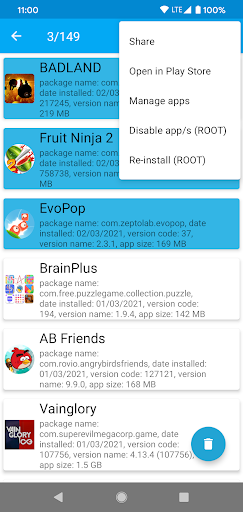
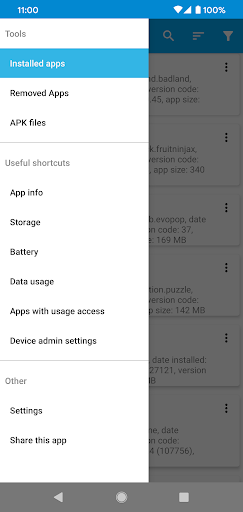
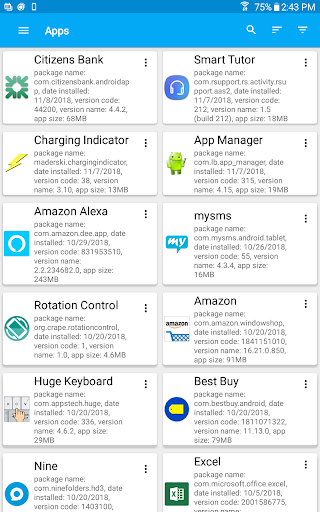
App Manager is for people who want a quicker way to inspect, open, disable or remove apps. You can see apps that do not have a normal launch icon too, such as keyboards, widgets and launchers. It is useful if you regularly try new apps, tidy up a crowded phone or need to find a particular app by its name or package.
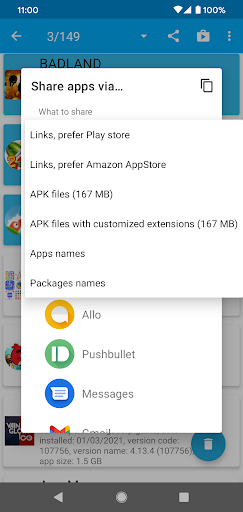
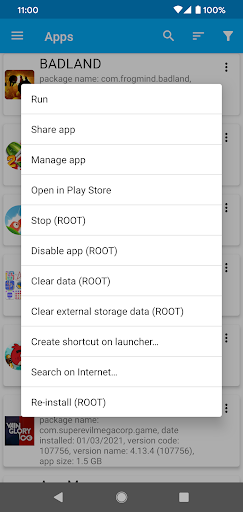
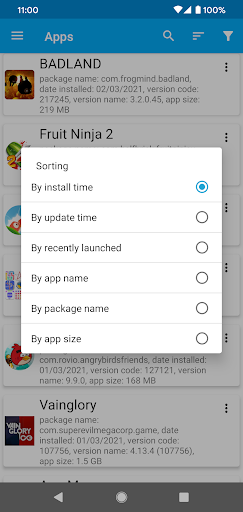
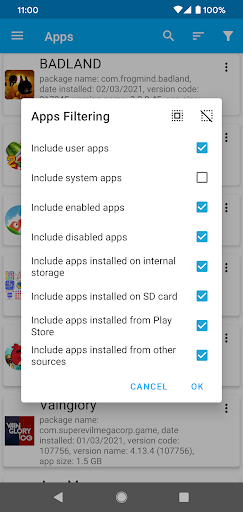
Select apps individually or work with several at once. App Manager can uninstall apps, share them, enable or disable them, reinstall them, or open their store page. It can also show a history of removed apps and help you find APK files on the device. Lists can be sorted by details such as name, size or install date, and filtered to show system or user apps, enabled or disabled apps, and storage location.
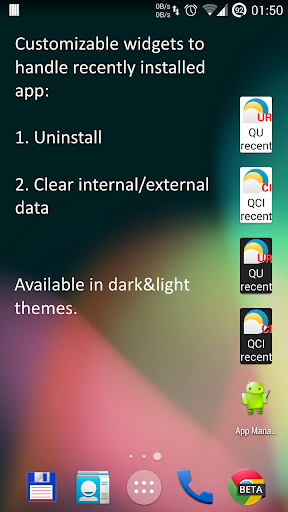
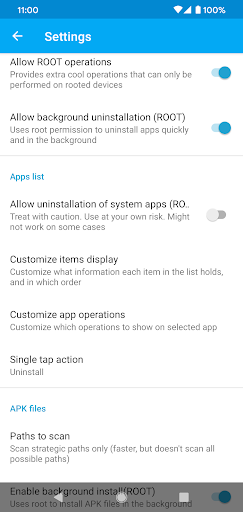
Some actions depend on your phone’s setup. Root access makes certain tasks possible, including stopping apps, clearing their data, disabling apps and removing system apps. Removing built-in apps can cause problems, and may not work on every device. Without root, the app can still help with ordinary app management, but those extra controls are not available.
Storage access helps it find APK files. Usage access is used for information such as recently opened apps and app sizes. These permissions relate to the app’s file-finding and app-list features; consider whether those are useful to you before granting access.
App Manager is made by AndroidDeveloperLB and is listed in Tools. It has more than 1,000,000 installs and a rating of about 3.7 out of 5 from 11,292 ratings. That gives you a broad sense of how users have responded, though it does not tell you whether the app will suit your particular phone or which controls your device will allow.