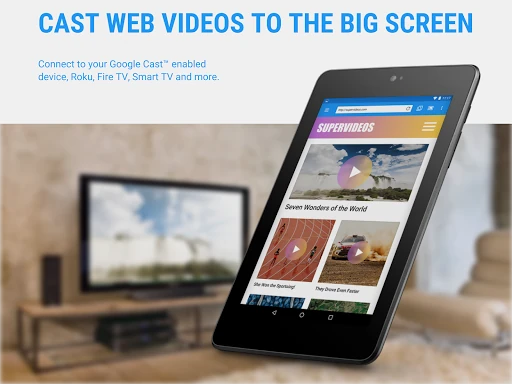
Send web videos to a bigger screen
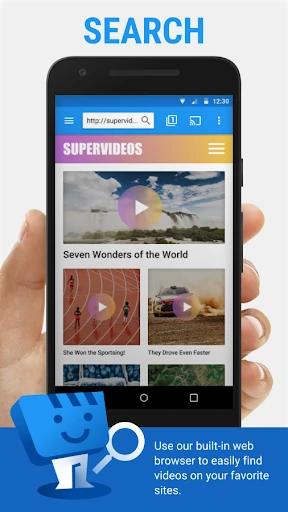
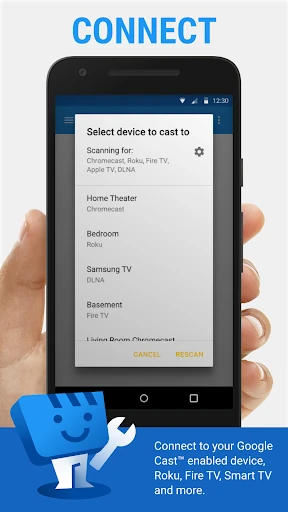
Web Video Cast | Browser to TV is for people who find a video in a web page and want to watch it on a TV instead of their phone. Its built-in browser looks for playable media on pages, so you can choose a detected video and cast it rather than hunting for a separate Cast button. It supports devices and systems including Chromecast, Roku, Fire TV and DLNA.
Web pages, and files on your phone
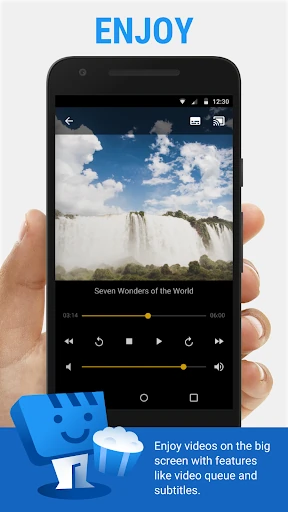
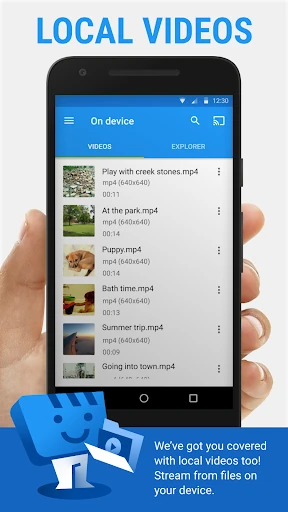
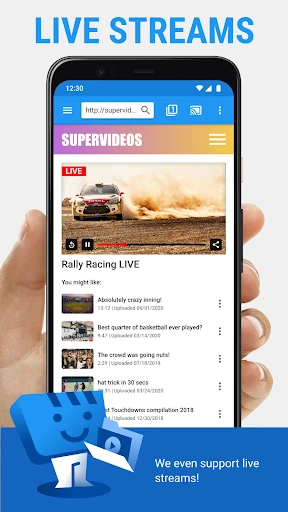
The app is not limited to videos found online. It can also cast photos and videos stored on your device. For supported videos, you can add subtitle files from your phone or search OpenSubtitles.org. It also supports M3U8 live streams, a format used by some live video services.
What to expect
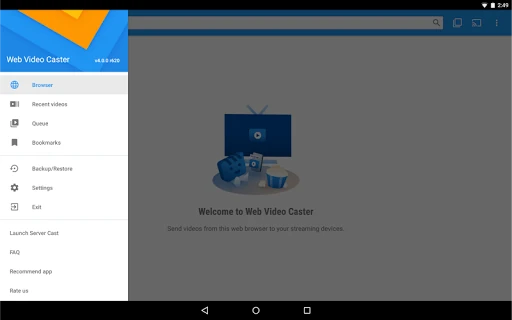
You browse, pick media and connect to a playback device from within the app. That keeps the casting process in one place, but the range of options may take a little getting used to if you only want a simple way to send one video to a screen. Whether a particular page’s video can be found and played depends on how that page provides its media; the app is not a guarantee that every web video will cast.
Store details
Web Video Cast is listed in Video Players & Editors and is made by InstantBits Inc. Its 4.6-star rating comes from about 2.3 million ratings, and the listing shows 50 million or more installs. Those figures suggest that many people have tried it, but they do not tell you whether it will work with your particular TV or the sites you use.